Product walkthrough

Studio in action. PickleBoard.

Follow a pickleball tournament from the organiser’s desk to the player’s phone and the live broadcast.

Step 1 of 3

Plan the event

Build the draw and schedule matches across courts. During play, operators can update scores and see how the rest of the event is progressing.

Think of an event with several matches starting at once. The organiser needs to know which courts are in use, where each match sits in the draw and which results have come in. Keeping those details together gives the event team a shared view when someone asks what is happening on another court.
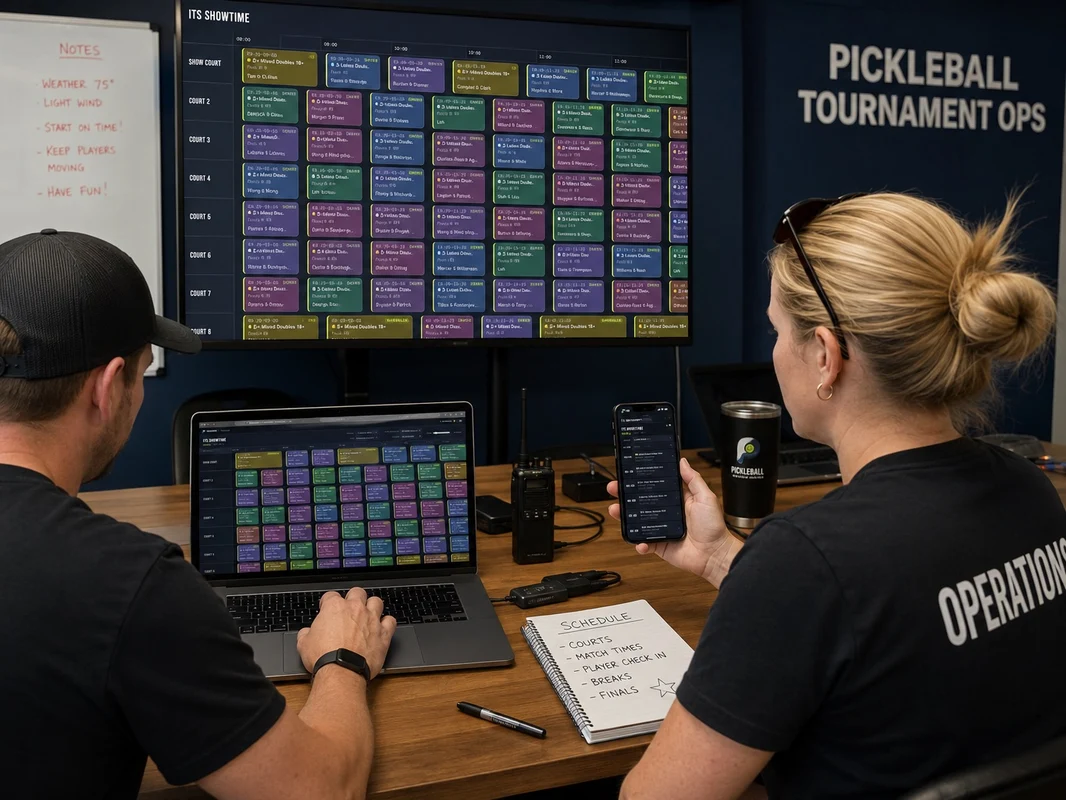
PickleBoard organiser view showing tournament management tools

Step 2 of 3

Follow the matches

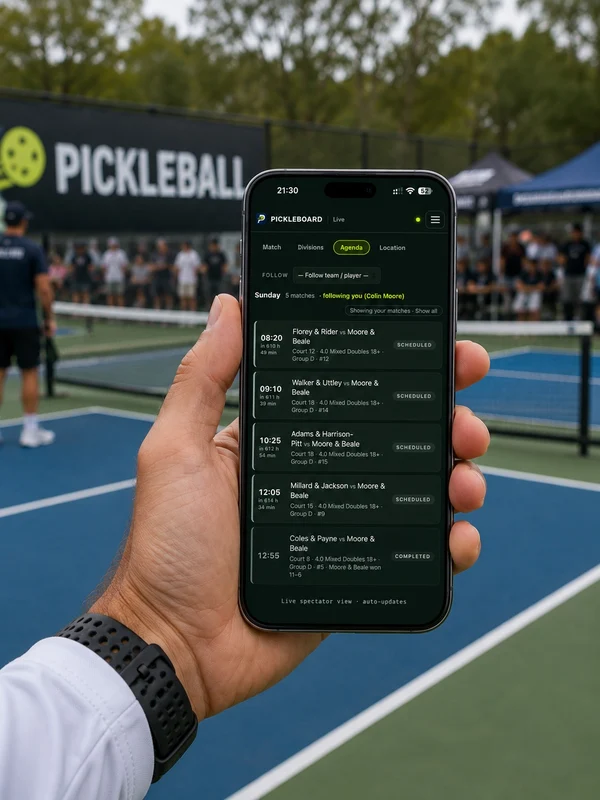
Players can see live scores, draws and their next court from a phone. Spectators can check published results and standings without signing in.

The player view answers the questions that come up between games. Who are we playing next, and which court should we go to? Spectators have a different need. They can look up the published draw and follow results even if they are away from the venue.

PickleBoard player view on a phone

Step 3 of 3

Take it on air

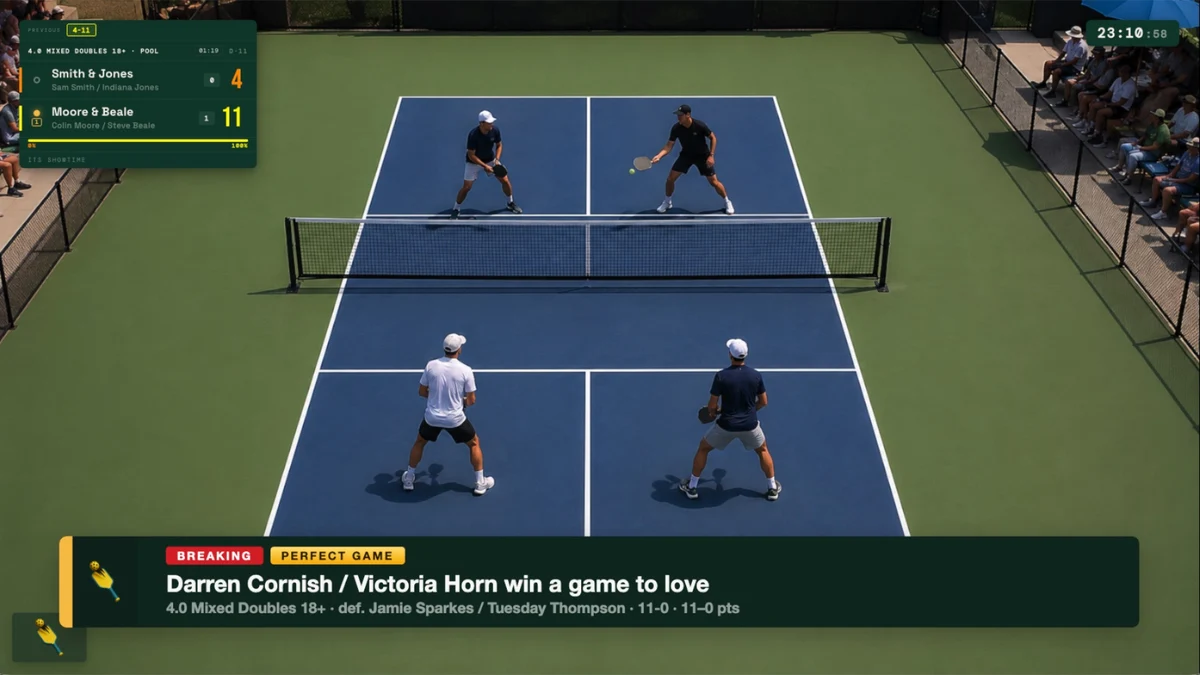
Broadcast teams can use OBS overlays and score graphics that update as the scores change.

The broadcast view uses the live match data already being recorded for the tournament. The production team can show that score in its stream while the organiser and spectators continue to follow the same match in their own views.

PickleBoard broadcast view with live score graphics

Have a product idea of your own?

Tell us about the work you want your software to do.

Talk to the Studio